Your Business Review
Real businesses. Brighter tomorrows.
Contractors and home services
Contractors often do two jobs: the work the customer hired them for, and the office work that keeps every job moving. That office work keeps interrupting the work in front of you.
The same day shows up for builders, remodelers, plumbing, electrical, HVAC, roofing, painting, landscaping, and similar home-service businesses. The jobs are different. The interruption is familiar.
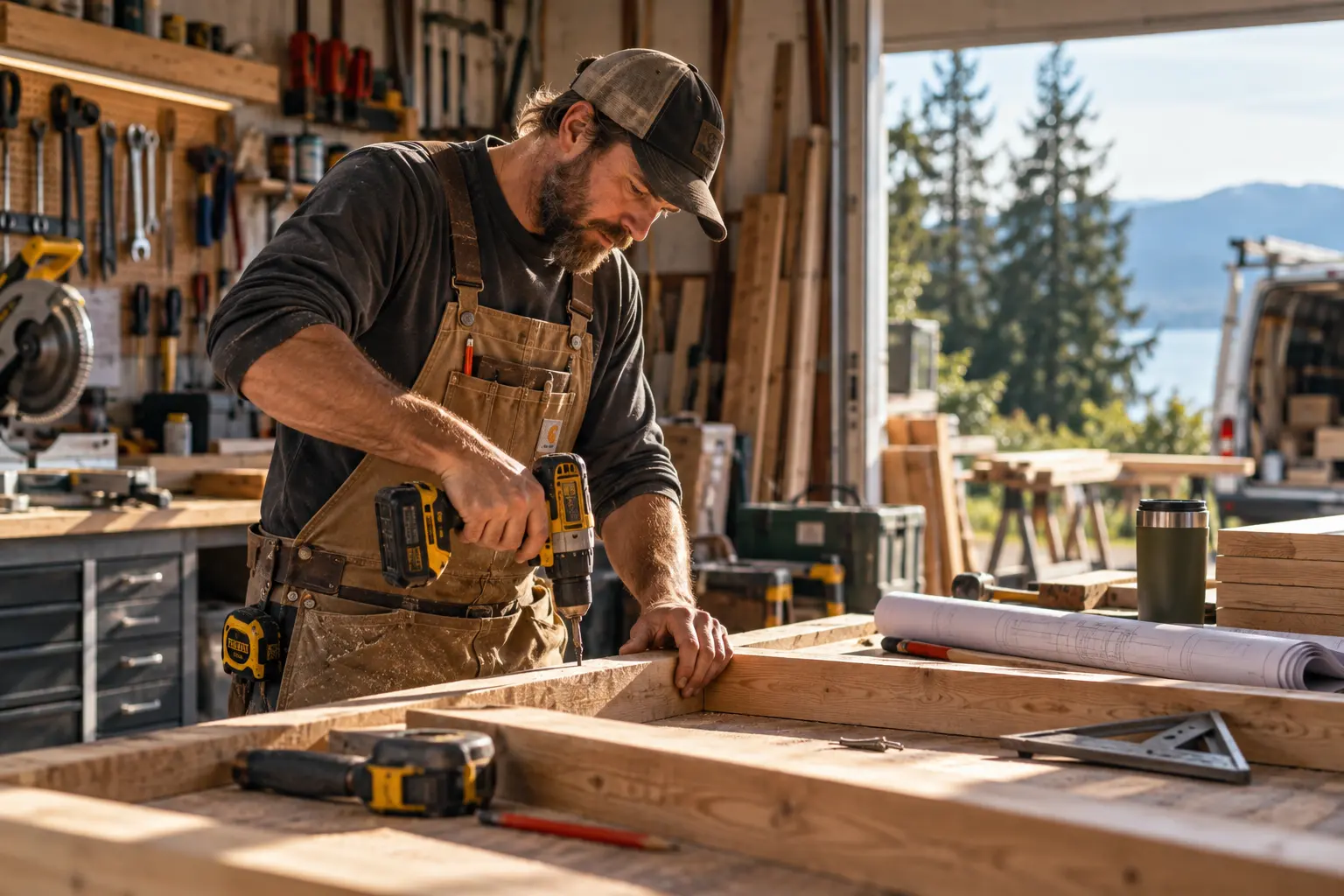
You’re doing the job. The office doesn’t wait. Calls, estimates, confirmations, job details, and customer questions keep arriving while the work is still in front of you.
None of these moments is enormous on its own. Together they become the evening at the kitchen table.
Every job already has a natural path: an inquiry comes in, someone responds, details are gathered, an estimate goes out, the customer decides, the work gets scheduled, the job gets done, and the customer hears from you afterward. We look for the repetitive parts between those moments — the things that don’t need you personally to remember them.
Not every part of the business needs automation. These are some of the places where repetitive office work tends to compete with the actual job.
A homeowner calls while you are on a roof, under a sink, or in a crawl space. The callback waits until the tools are down.
The estimate took an evening. The follow-up is the part that slips, because the next day is already a job.
Confirming tomorrow, moving a rained-out day, and reminding a customer you are coming should not all live in one person’s head.
People ask where things stand because the answer is on the job site, not somewhere they can see. Each of those calls is another interruption.
Job notes, invoices, and “the crew needs to know” messages pile up after the tools are put away. Someone still has to remember which of those got done.
You already did the work to understand the job and prepare the estimate. Then it goes quiet. The next step shouldn’t depend on remembering to follow up after another long day.
A new inquiry, a finished job, or a review request can go quiet the same way. Customer follow-up covers those moments.
Automation can handle the routine. You still make the decisions. These stay with you:
Scheduling, estimating, accounting, field-service software, email, text, and spreadsheets may already hold much of what a job needs. Willow & Wired looks at what you already use, and whether those tools can be connected or used more completely, before suggesting anything new.
Here’s one way the office side of that call could work.
Tell us what keeps getting interrupted, forgotten, copied, chased, or pushed until after the workday. We’ll look at what could happen more reliably — and what should always stay in your hands.
Not sure what to automate first? What should you automate first?
Let’s connect
Choose whichever way is easiest for you. It’s free, and there’s no obligation.
We’ll learn about your business and explore how AI and automation can help.
Willow & Wired Business Review
Business Review
Willow & Wired is thinking…
Want to dig into any of this?
Ask a follow-up, correct something, or explore another part of your business.
Building your Business Review Understanding your business
Not sure where to start? Tell me what takes too much time, frustrates customers, or keeps falling through the cracks.
Your conversation is used to create your Business Review and may be reviewed by Willow & Wired to provide and improve this service. Please don’t enter passwords, financial account details, or health records. Privacy
Real businesses. Brighter tomorrows.
Preparing scheduling…
We couldn't open scheduling just yet.